01
It asks you first
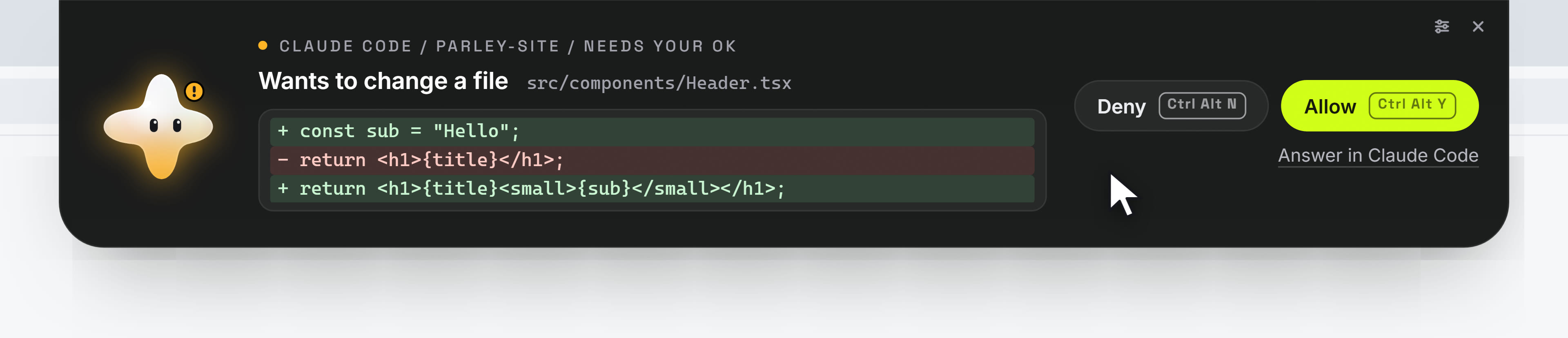
When Claude Code wants to run a command or change a file, the request comes to the top of your screen in plain words. Allow or deny, without leaving your work. Kirari never answers for you.

New
The companion that lives at the top of your screen. It stays out of your way, and comes out when something needs you.
Windows 10 and 11. 92 MB. Free.
What it does
When Claude Code wants to run a command or change a file, the request comes to the top of your screen in plain words. Allow or deny, without leaving your work. Kirari never answers for you.
A file change is shown line by line: what goes out, what comes in. A long one opens down the screen in a size made for reading.
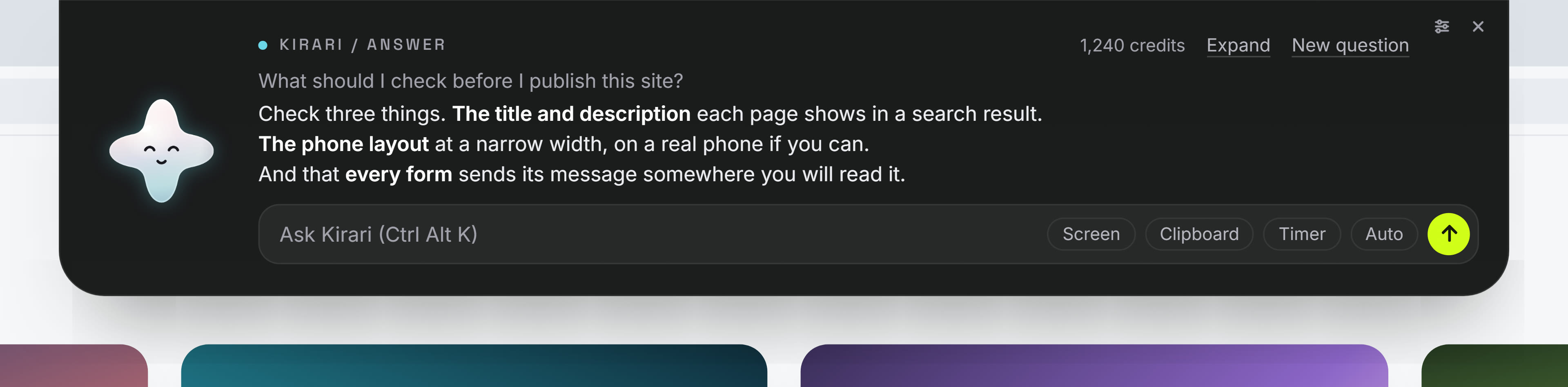
Press Ctrl Alt K and type. Kirari answers through Parley, with your Parley account. It can look at your screen or read what you copied, but only when you say yes.
Carry a file to the top of the screen. Kirari lifts its arms to catch it, and reads it only when you ask about it.

When a picture or a video you made on Parley is ready, Kirari comes out, glows mint, and says so.

Hold Kirari and slide it along the top edge. It stays where you leave it. While it is tucked away, a click on the top edge still reaches what is under it.

Your say
This is how Kirari starts. Each use is written down for you to see, and you can take any of it back.
The film
Get Kirari
Asking Kirari a question uses your Parley account.
Kirari-Setup-1.0.0.exe
92 MB. Windows 10 and 11.
Windows shows that box for any program whose maker has not bought a certificate from Microsoft. It says nothing about what the program does. You can check the file yourself, below.
Kirari-1.0.0-x86_64.AppImage
111 MB. Runs on most desktops.
Kirari-1.0.0-amd64.deb
77 MB. For Debian and Ubuntu.
chmod +x Kirari-1.0.0-x86_64.AppImagesudo apt install ./Kirari-1.0.0-amd64.debNot yet.
The Mac version is being made. It will be here when it is ready and tried on a real Mac.
Each file has a fingerprint. If the fingerprint of the file on your computer is the same as the one here, the file is exactly the one we made.
3b36ab4e6dc2495c364a3b96d5b753e59559e033f765ba16c342c07fa43fde1a4e38cef8cb2f1c19bbab1f70dbb9a8dd4c1ecd2b1fd27b01b8f2f2b457d5cd5fffdc9c33d6baa3797bc22d5c2a7c68fd477a90186b614e33ac8afd0e79829325Get-FileHash .\Kirari-Setup-1.0.0.exesha256sum Kirari-1.0.0-x86_64.AppImage